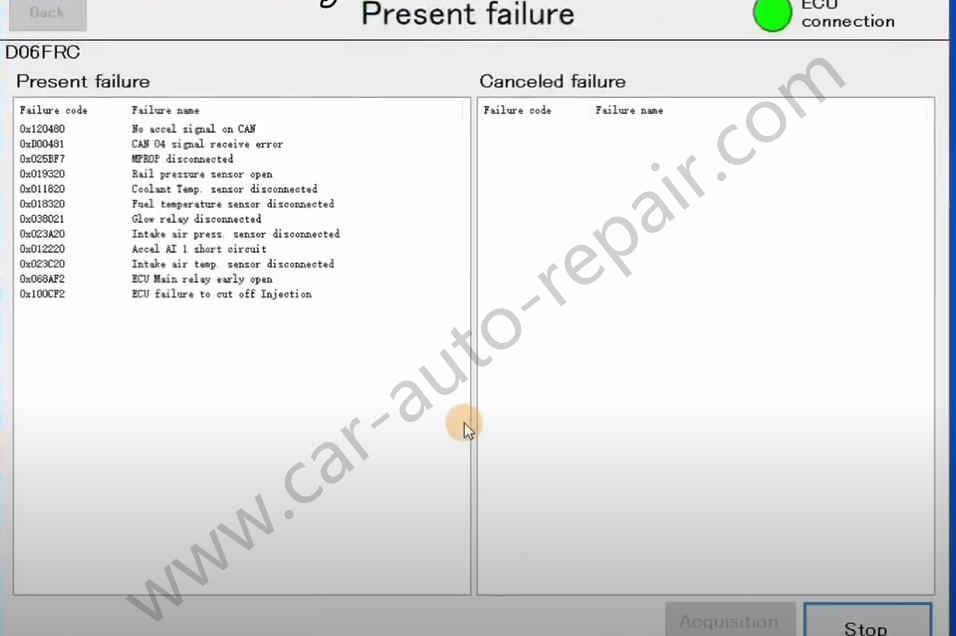
Here is a guide on how to use Mitsubishi V.C.I diagnostic kit and Mitsubishi EngineScope diagnostic software to do basic diagnostic and information check for D06FR engine.
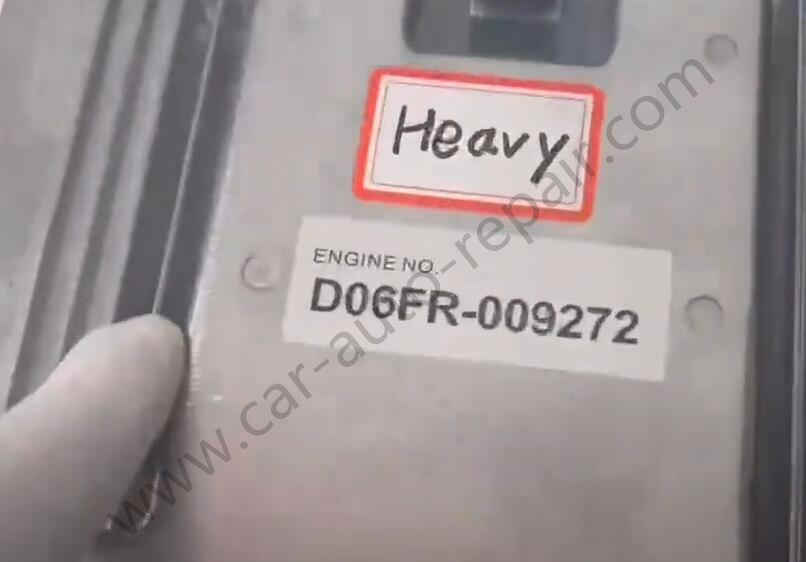
Preparations:
Mitsubishi V.C.I Diagnostic Kit
Mitsubishi EngineScope Diagnostic Software
Steps:
Connect Mitsubishi V.C.I diagnostic adapter to D06FR ECM
Then run EngineScope diagnostic software on desktop,and click “Connect ECU”
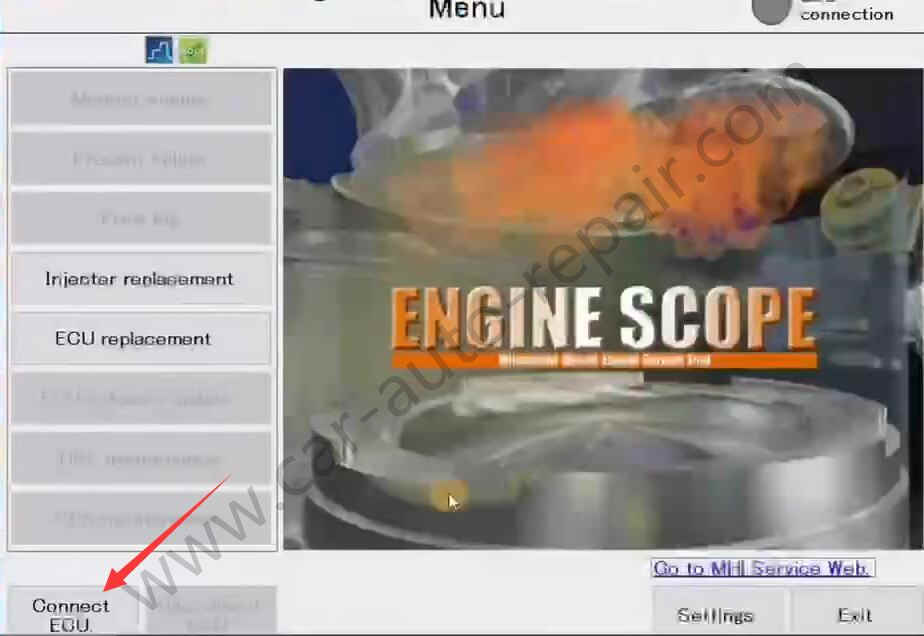
After communication build,select “Monitor engine”
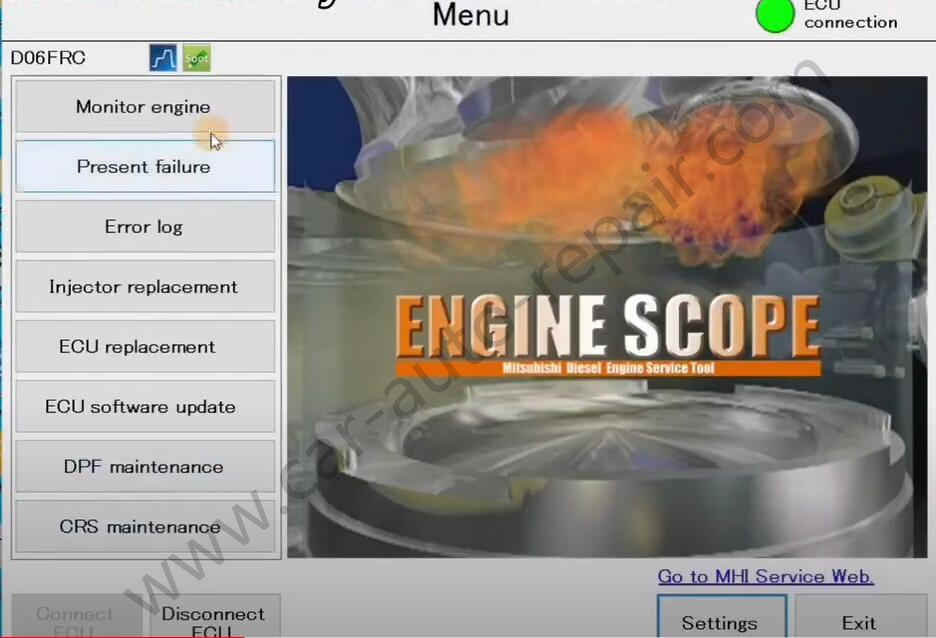
Now here show the engine status
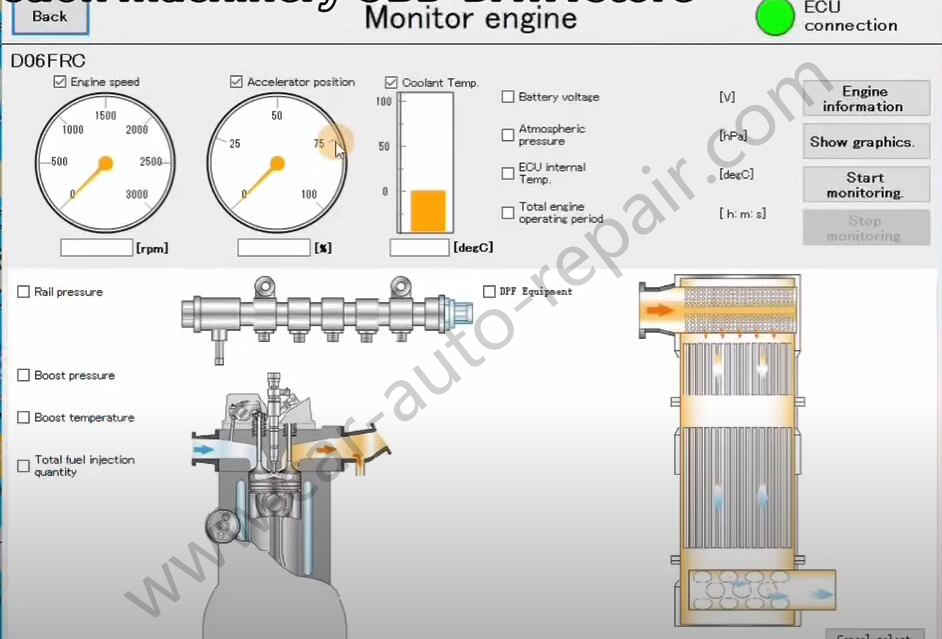
Click “Engine information” at right up corner to get more information about engine
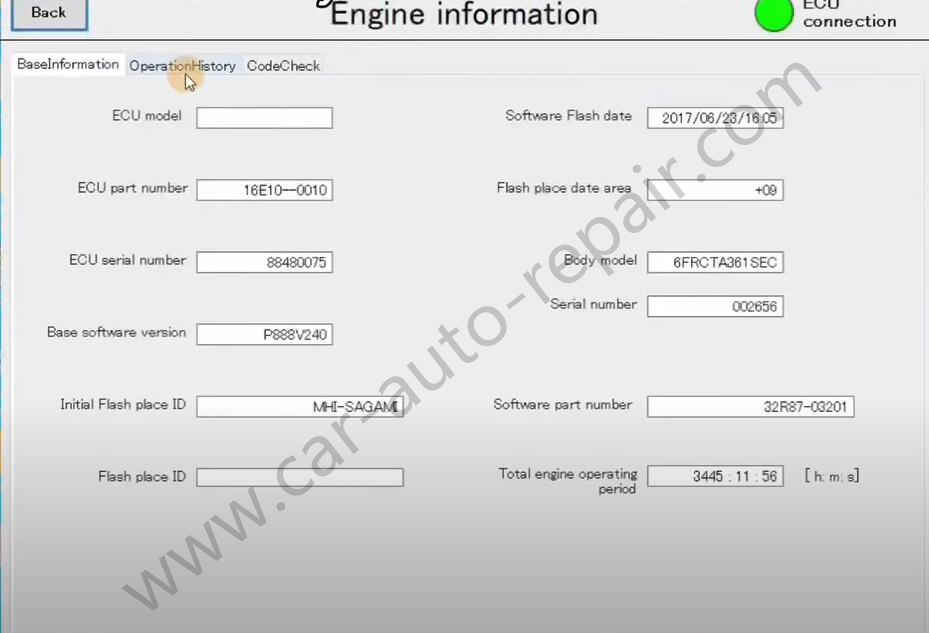
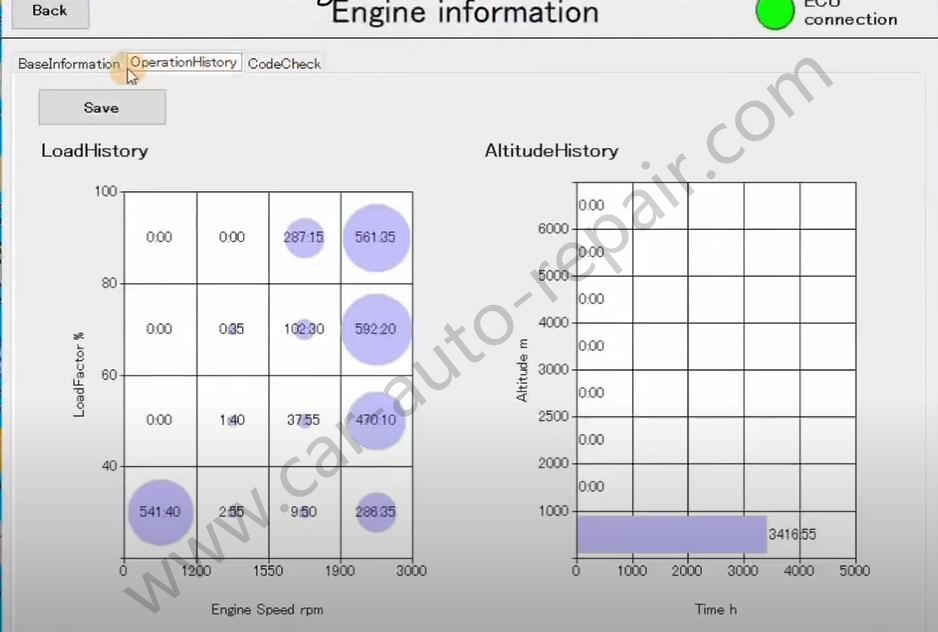
And select “OperationHistory” show Load history and altitude history
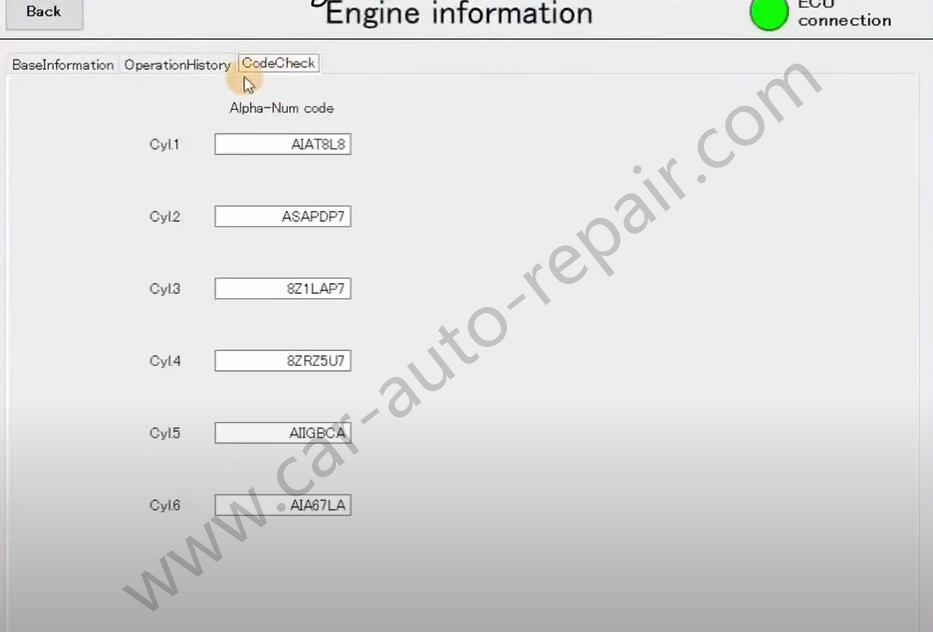
And cylinder Alpha-Num code
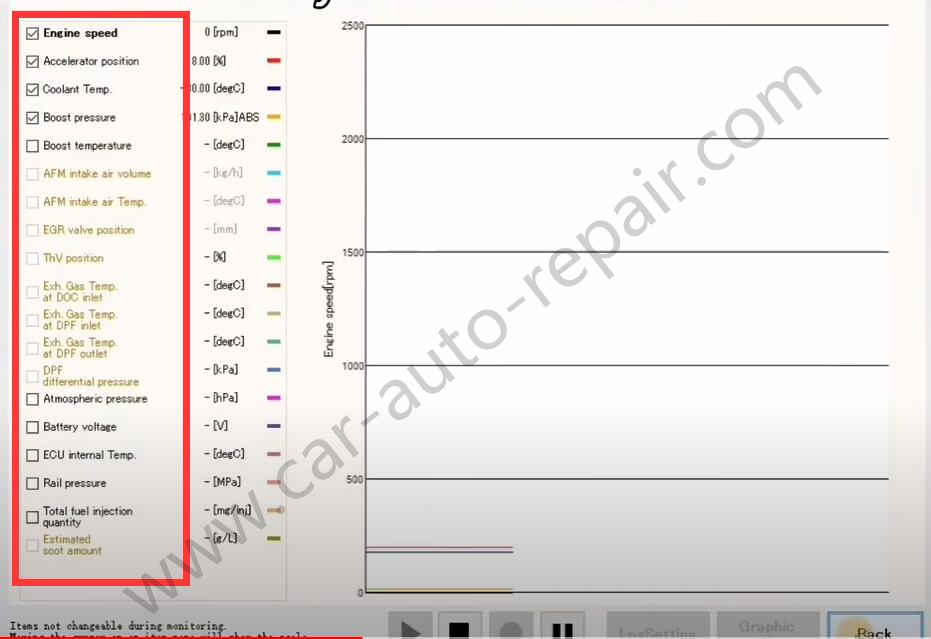
Now back to monitor engine page to select “Show graphics”
Select the parameter as left side,then it will show as graphics at right side
Now back to main menu to select “Present failure”
Wait information loading