Here is the instruction show you guide on how to do Advanced Tool Select and Basic Tool Select system setup and calibration.
Related Contents:
2026 JCB ServiceMaster 4 v26.7.4 Free Download for Win 10 Win11
2017 JCB Parts Plus+ and Repair Service Manual Free Download
Setup Procedure
The image below shows the ServieMaster Vehicle Setup tool that’s used to setup the machine and select which options are fitted.
The ATS/BTS options (High Flow and Low Flow Circuits) are part of this tool.
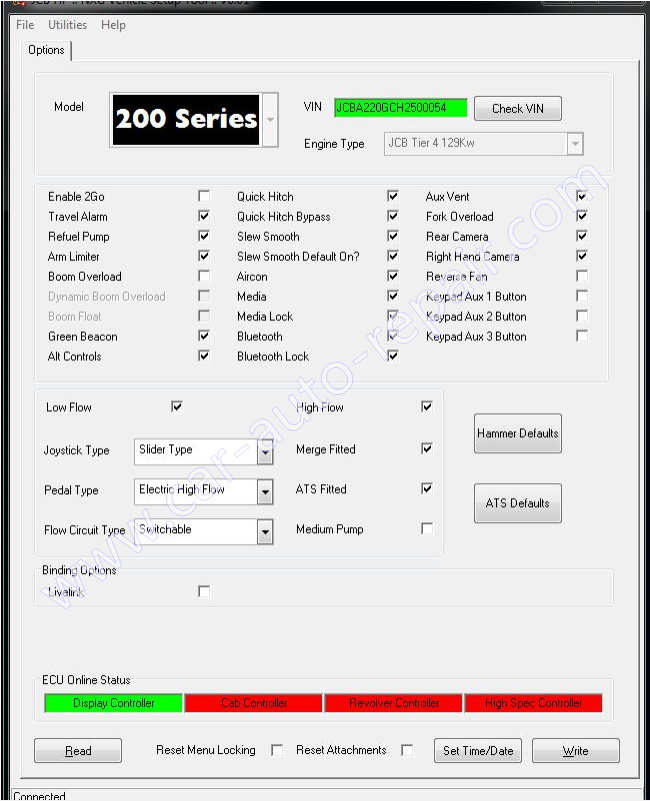
There are multiple selections for:
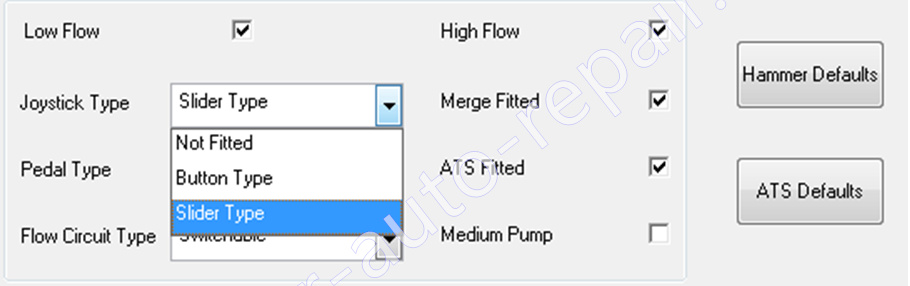
Joystick Type
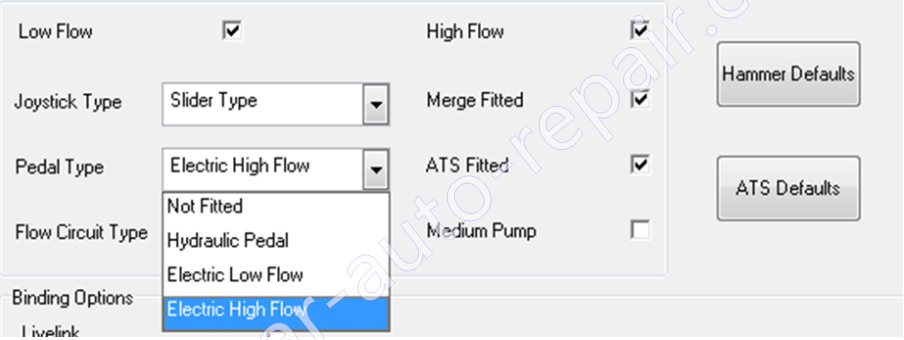
Pedal Type
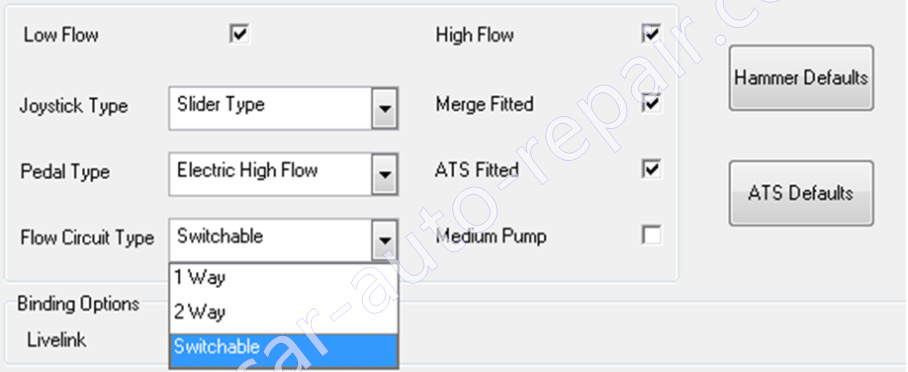
Flow Circuit Type
Calibration Procedure
1.Setup a Single Attachment in the Operator Display as:
Selector – Grab
Flow Circuit: 2 Way
Max Flow: 220 lpm
Relief Pressure: 200 bar
2 Open the Secret Menu (Display Menus -> Information -> Scroll to Service -> Press and Hold Camera Button and Rotary Button -> Select Secret Menu)
- Using a Hydrotechnik tool connect a pressure sensor to the Pump diagnostic port.
- ± (Increase/Decrease) HF Pressure Calibration Value to get the correct Pressure
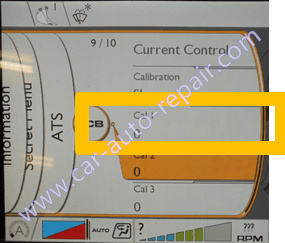
The HF Pressure Relief Value is calibrated.
1 Setup a Single Attachment in the Operator Display as:
Selector – Grab
Flow Circuit: 2 Way
Max Flow: 150 lpm
Relief Pressure 200 bar
2 Open the Secret Menu (Display Menus -> Information -> Scroll to Service -> Press and Hold Camera Button and Rotary Button -> Select Secret Menu)
Using a Hydrotechnik tool connect a flow meter on A side of Main Valve Block
± (Increase/Decrease) HF Flow Calibration Value to get the correct Flow.
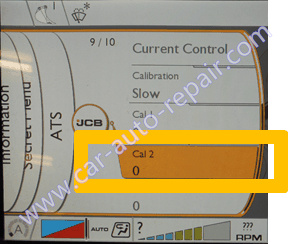
The HF Flow is calibrated.
1 Setup a Single Attachment in the Operator Display as:
Selector – Grab
Flow Circuit: 2 Way
Max Flow: 40 lpm
Relief Pressure: 200 bar
2 Open the Secret Menu (Display Menus -> Information -> Scroll to Service -> Press and Hold Camera Button and Rotary Button -> Select Secret Menu)
Using a Hydrotechnik tool connect a pressure sensor to the Pump diagnostic port.
± (Increase/Decrease) HF Pressure Calibration Value to get the correct Pressure
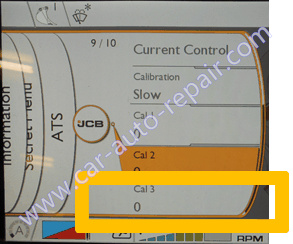
The LF Pressure Relief Value is calibrated.
The LF Flow value does not require calibration.
After performing calibrations the original attachment settings should be returned.
More topics for JCB machine,please refer to:JCB Machine Trouble Repair.