
How to Use JPRO 2023 Aftertreatment Diagnostics Function?
Aftertreatment Diagnostics are only available on EPA 07 or newer heavy-duty vehicles with J1939 data available. It displays data items related to the Aftertreatment system […]
Aftertreatment Diagnostics are only available on EPA 07 or newer heavy-duty vehicles with J1939 data available. It displays data items related to the Aftertreatment system […]
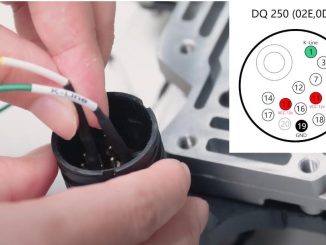
It will make your TCU diagnose easier if you can do it on bench.So here we take VW DQ250 gearbox controller as example to do […]
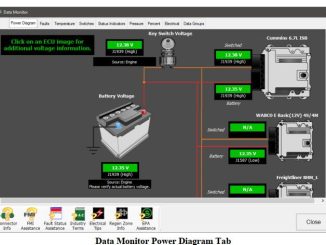
JPRO Commercial Vehicle Diagnostics software Data Monitor window displays various data items and parameters, converted to meaningful values with associated units. The data items shown […]
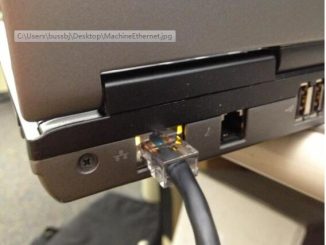
New CAT Adapter 478-0235 support Enthernet connection,but you need setup Ethernet connection type on CAT ET software firstly. Preparations: Caterpillar ET 2024A 2023C 2019C […]
The diagnostics software tool is part of the JCB Servicemaster software suite.How to Set Up Servicemaster.The diagnostics software is designed to be an easy to […]
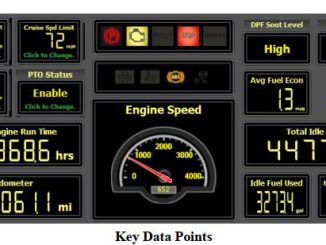
When a vehicle is selected in the vehicle readiness window, the following are the displayed data points: Cruise set speed limit, road speed limit, idle […]
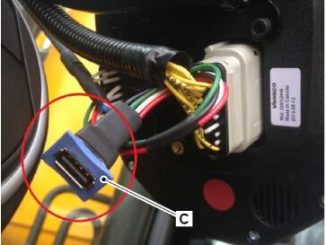
In cases where an engine ECU is replaced, or a calibration is corrupted the following process should be used to load the correct engine calibration […]
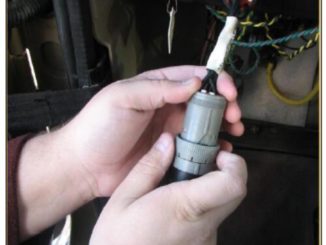
Sometime after Caterpillar communication 3 adapter connection to ECM,then you run CAT ET software,but you get error of communication.Here in this instruction show you guide […]
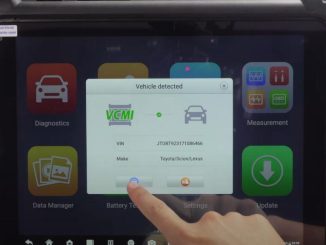
It is easy to use Autel Maxisys Ultra to change VIN for Toyota vehicle ECU,here show the steps. Preparations: Autel MaxiSys Ultra 2023 […]
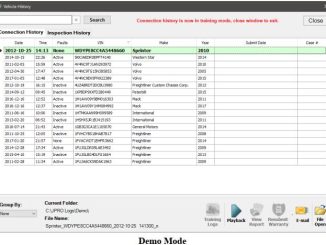
Vehicle History allows you to playback or view all the log files and reports located in the automatic log directory via the Connection History tab. […]
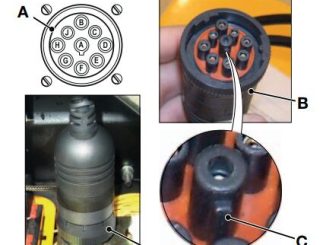
To use Servicemaster connect your laptop computer to the machine CANbus. Connection is made using Data Link Adapter (DLA) C and the applicable cables. […]
Copyright © 2026 | WordPress Theme by MH Themes