Sometime when your Benz get A28600 trouble code,it mean you camera need to be calibrated.So here i will show you guide on how to use Launch X431 device to do front camera calibration for Mercedes Benz E260.More Launch X431 feedback,please refer to Launch X431 Feedback
Preparations:
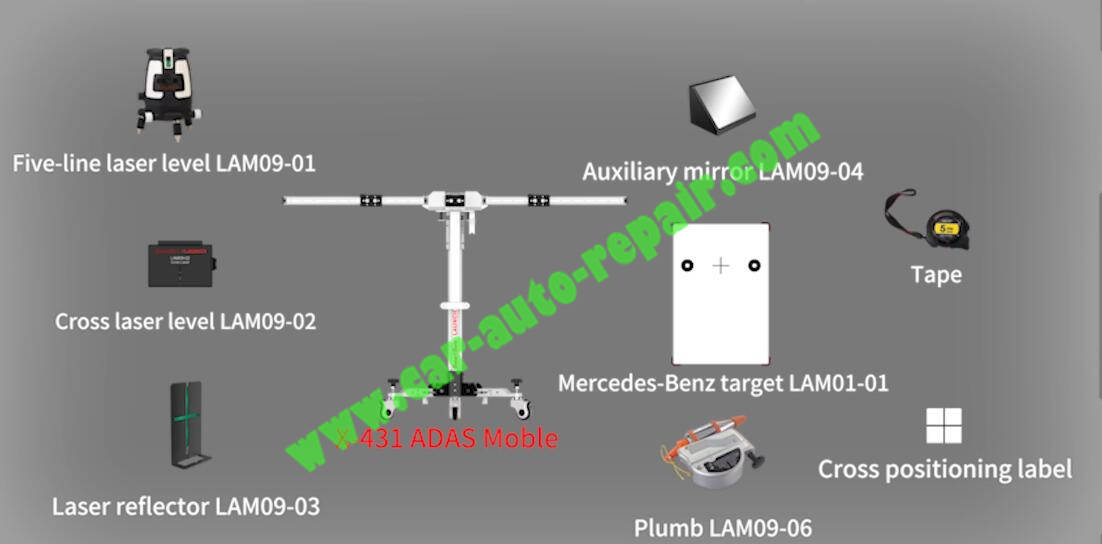
X431 ADAS Mobile Kits
Procedures:
Connect Launch X431 device to Benz car,then run access menu
Select “ADAS” in main interface
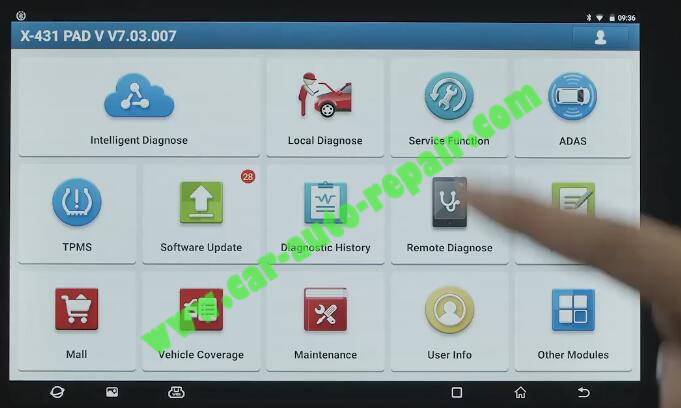
Select “ADAS Calibration”
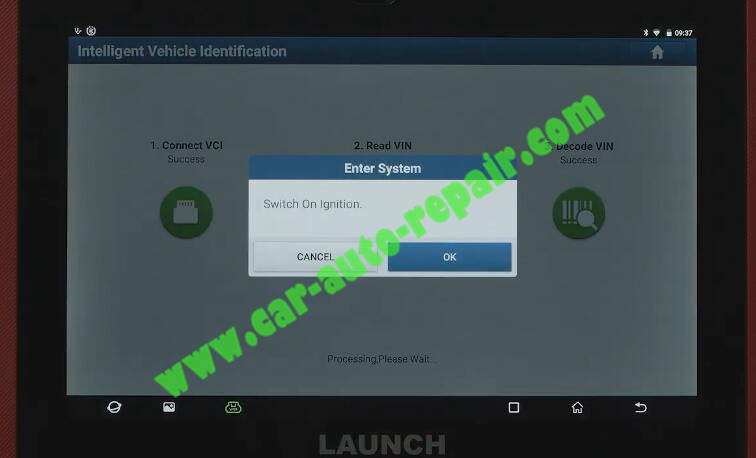
It will identify VIN code automatically,it will ask you to switch ignition ON
Select “ADAS system scan” at left side menu
Press “Start scanning”
A28600:The calibration of the control unit has been lost or was not carried out.
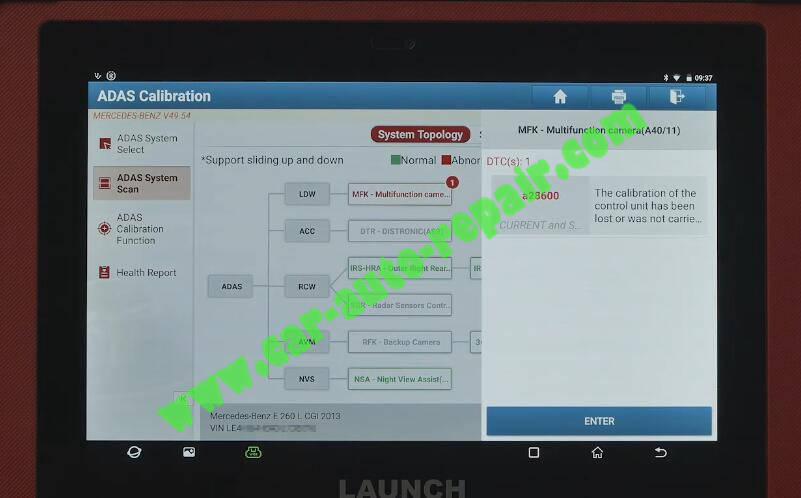
Press “Enter” and select “Special Function”
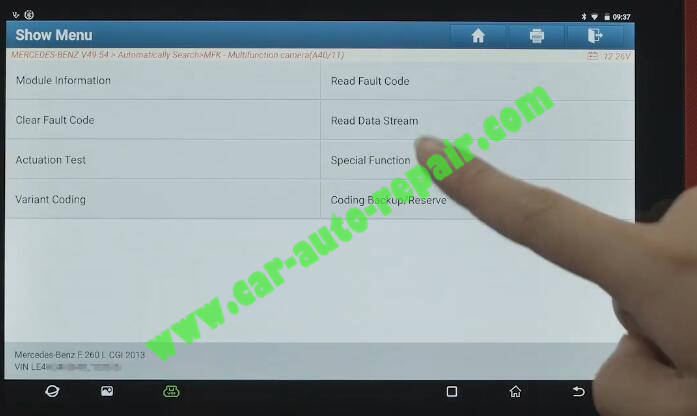
The fault memory is erased before calibration is performed.
Press “OK” to continue
Start ADAS Mobile equipment operation
The following tools are required
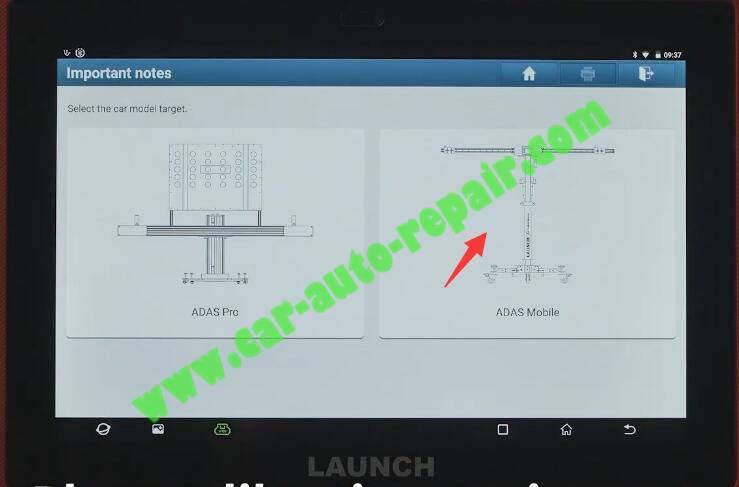
Select the car models target “ADAS Mobile”
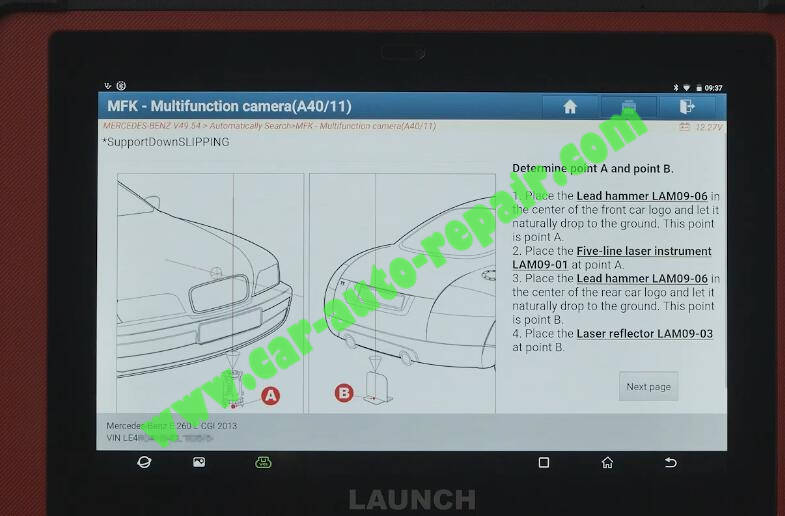
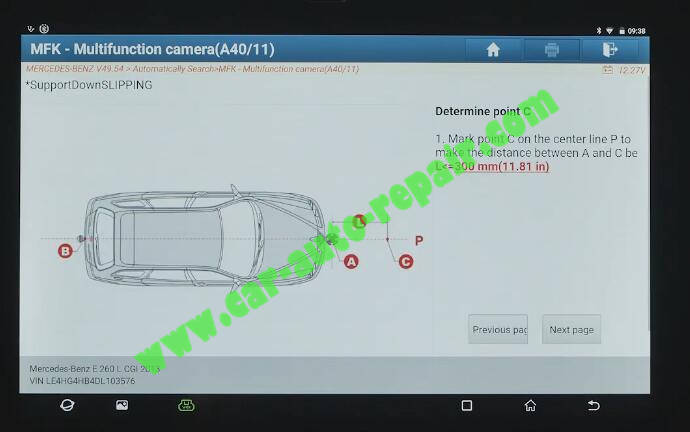
Determine point A and point B
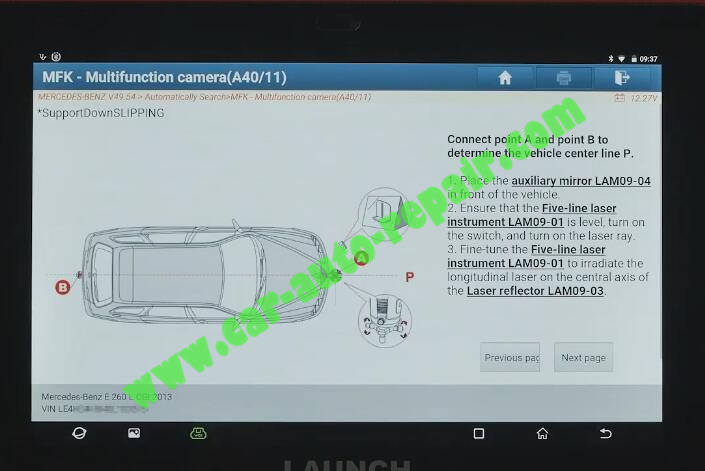
Place calibration equipment according to software prompts
Connect point A and point B to determine the vehicle center line P
Determine point C
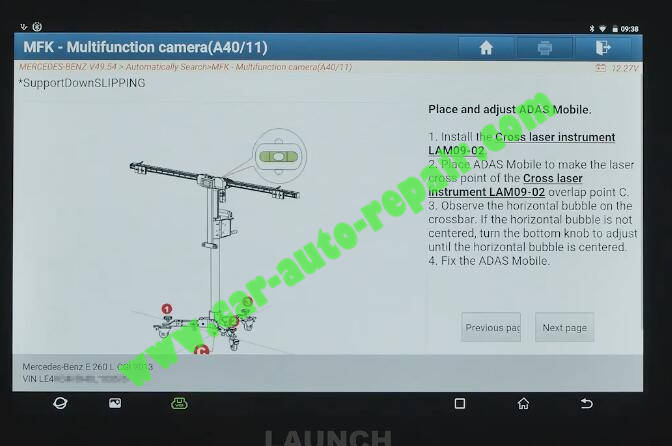
Place and adjust ADAS Mobile
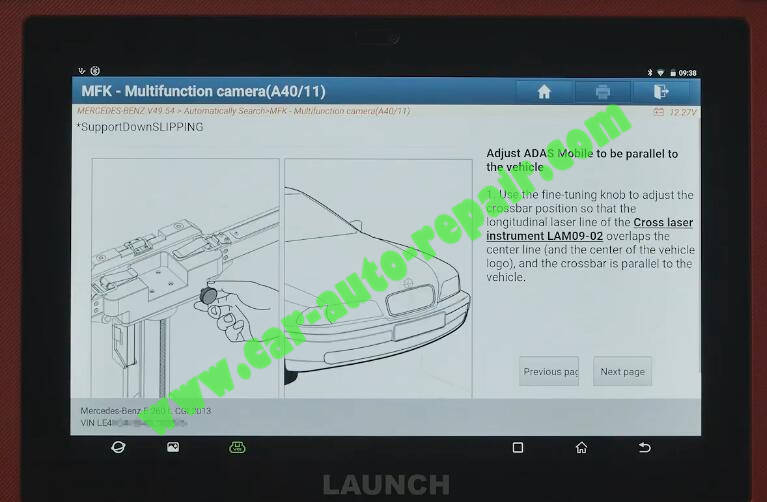
Adjust ADAS Mobile to be parallel to the vehicle
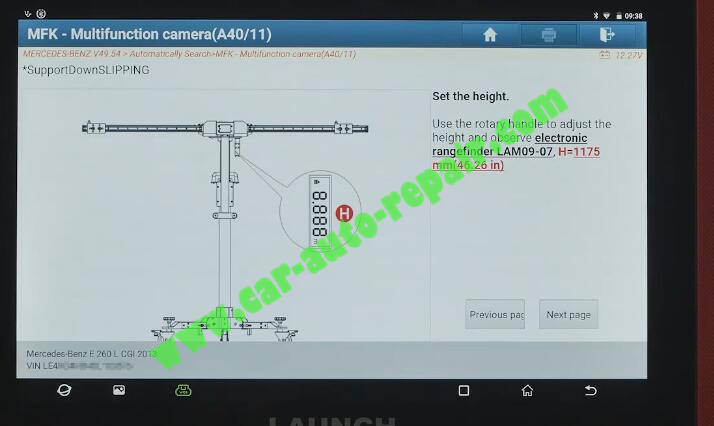
Set the height
Select the car model target
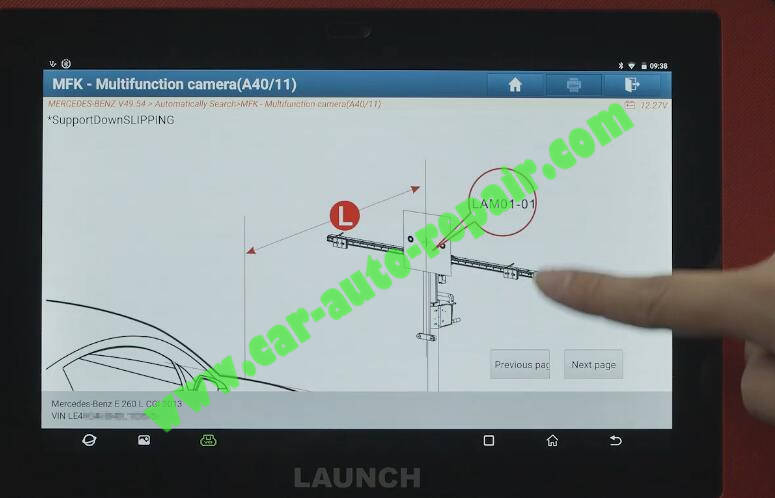
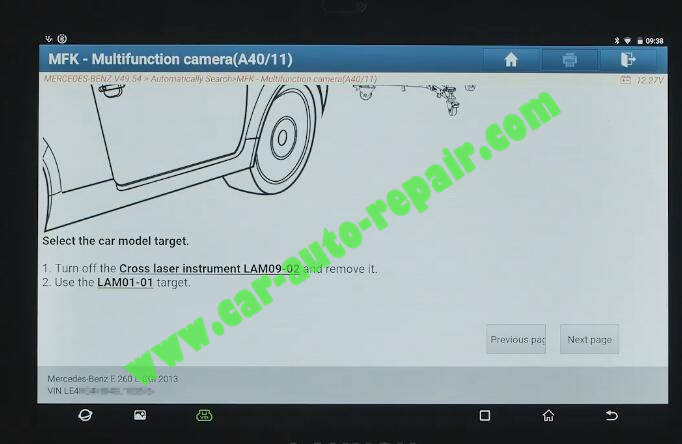
Press “Input Value”,300mm
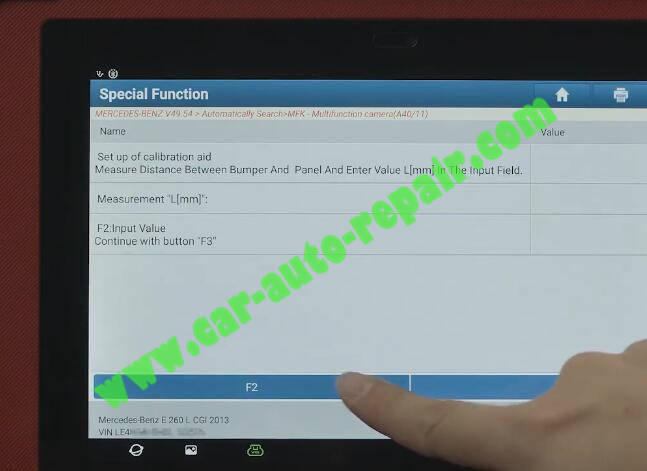
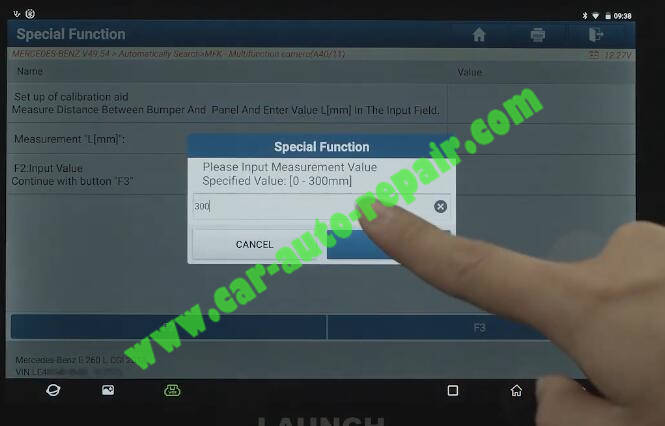
Then press F3 to continue
Press “YES” to process calibration
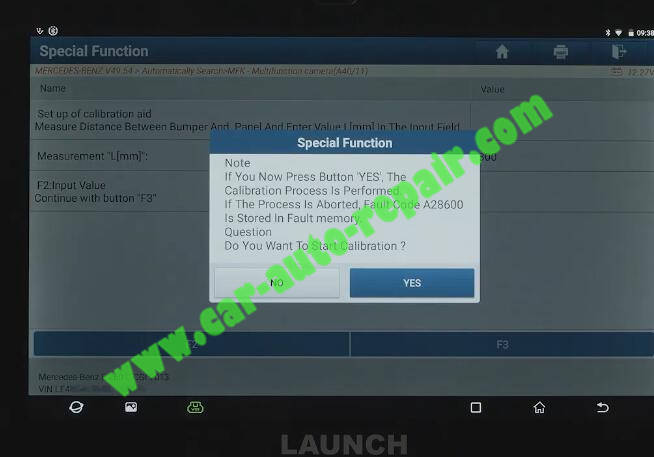
Done,you can back to check whether the fault is cleard.
More Benz repair cases,please refer to Benz Trouble Repair