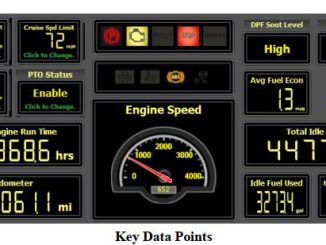
How to Use JPRO Diagnostic Software Vehicle Data Points Function
When a vehicle is selected in the vehicle readiness window, the following are the displayed data points: Cruise set speed limit, road speed limit, idle […]
When a vehicle is selected in the vehicle readiness window, the following are the displayed data points: Cruise set speed limit, road speed limit, idle […]
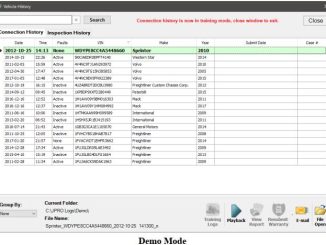
Vehicle History allows you to playback or view all the log files and reports located in the automatic log directory via the Connection History tab. […]
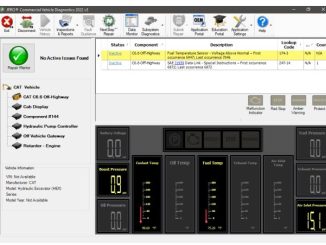
JPRO Diagnostic software support multi-brands truck/machine diagnostics,here in this instruction show you guide on how to build connect between JPRO DLA+ 2.0 adapter and Off-highways […]
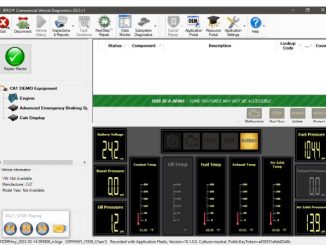
The demo truck feature demonstrates the faults and data available on Off-Highway Caterpillar equipment.This illustration show you guide on how to use JPRO CAT demo […]
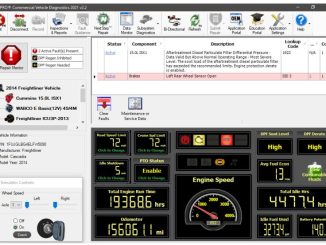
JPRO has always had the ability to play back recorded vehicle logs which can demonstrate many capabilities within JPRO.However, log playback cannot demonstrate all features. […]
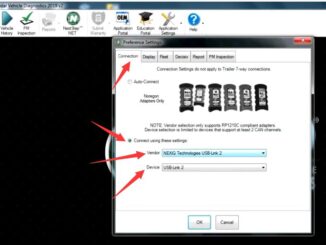
There are several diagnostic interfaces are compatible with JPRO Commercial Vehicle Diagnostics software.You need setup your diagnostics interface in configuration setting.So here show yo guide on […]
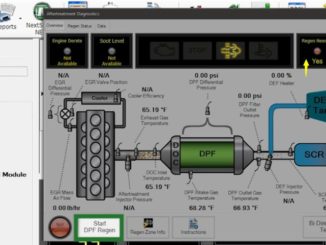
JPRO Professional can support DPF Regeneration for Cummins,Detroit,International,MACK,Paccar,Volvo and more.So here car-auto-repair.com show you guide on how to use JPRO Professional to perform DPF Regen. […]
Copyright © 2026 | WordPress Theme by MH Themes