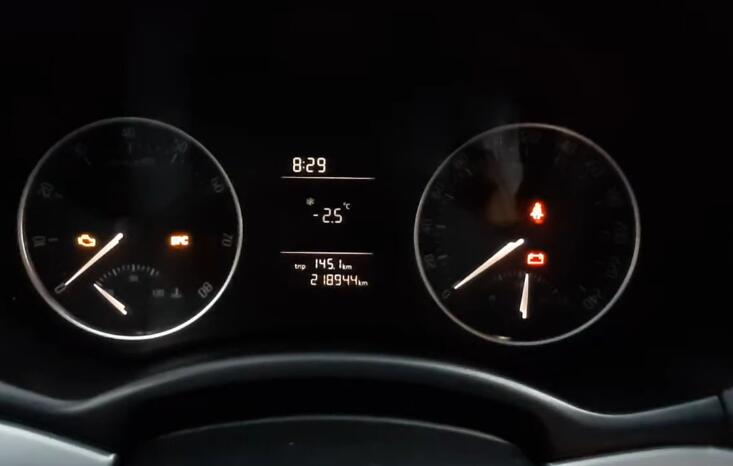
This instruction show you guide on how to use VCDS to calibrate/active dashboard needle staging.For more VCDS projects,please check here:VCDS Test Feedback.
Preparations:
How to Configure VCDS & Diagnostic Cable for Your Laptop
VCDS 17.8.1 Full+Loader V2/V4 Free Download
Procedures:
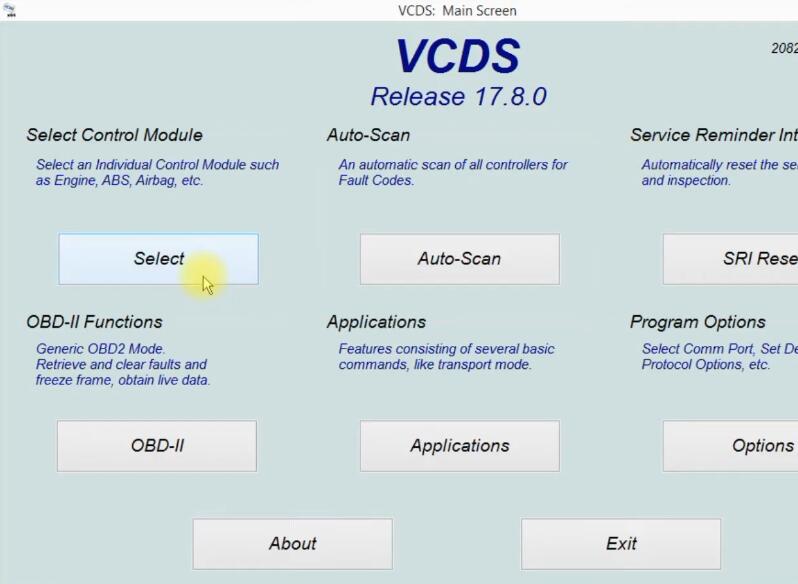
Connect VCDS cable to your vehicle,then run software and click “Select Control Module”
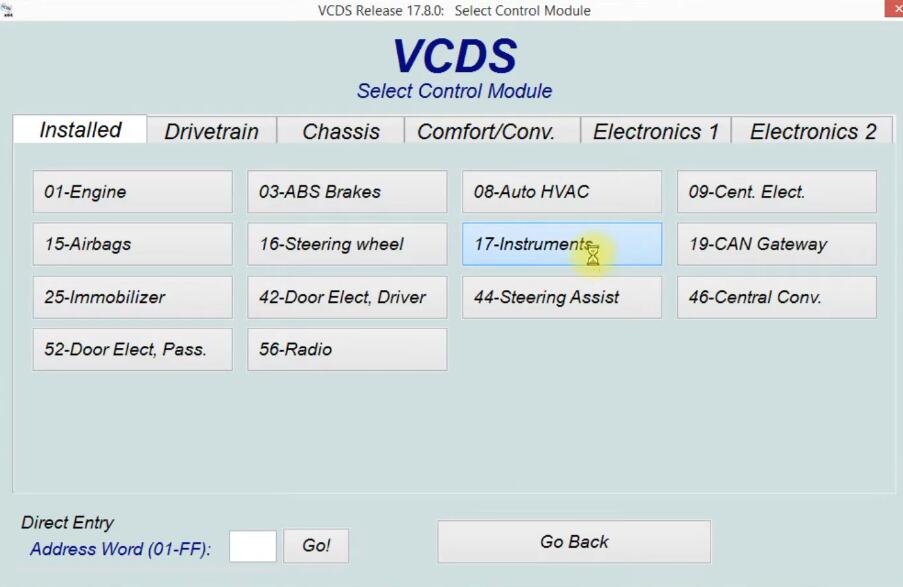
Select “17-Instruments”
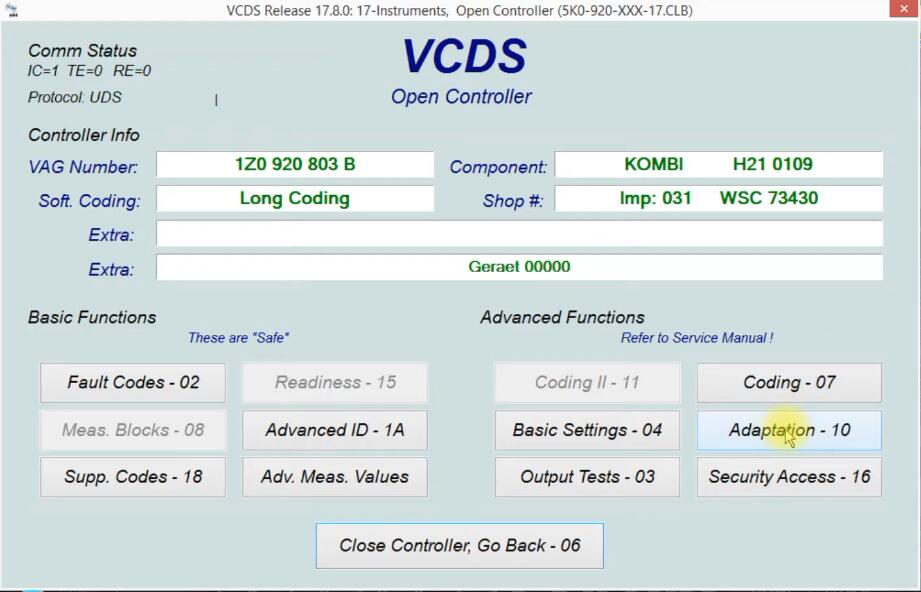
Select “Adaptation-10”
Select channel “IDE01087-Staging”
Select new value “Active”,then click “Do it!”
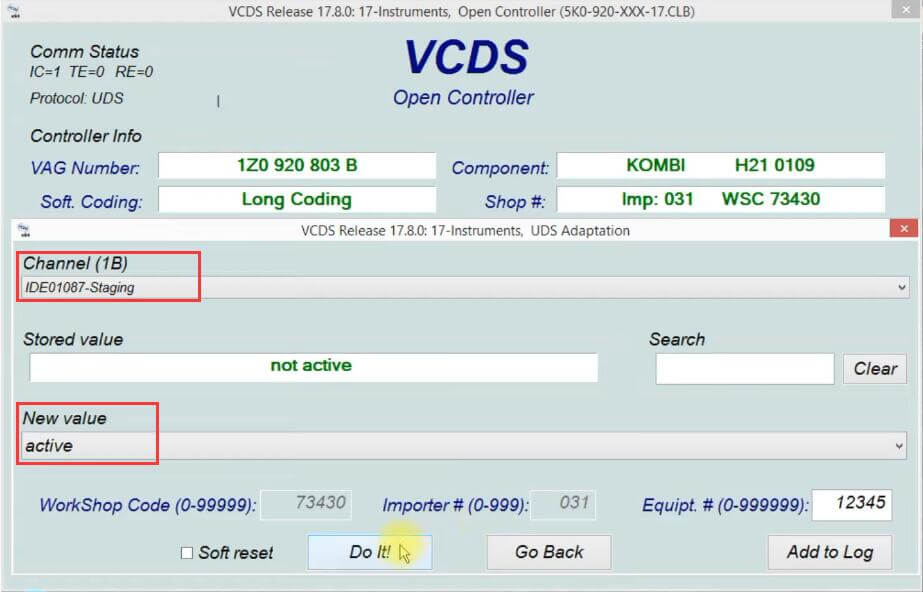
After coding finishing,exit software
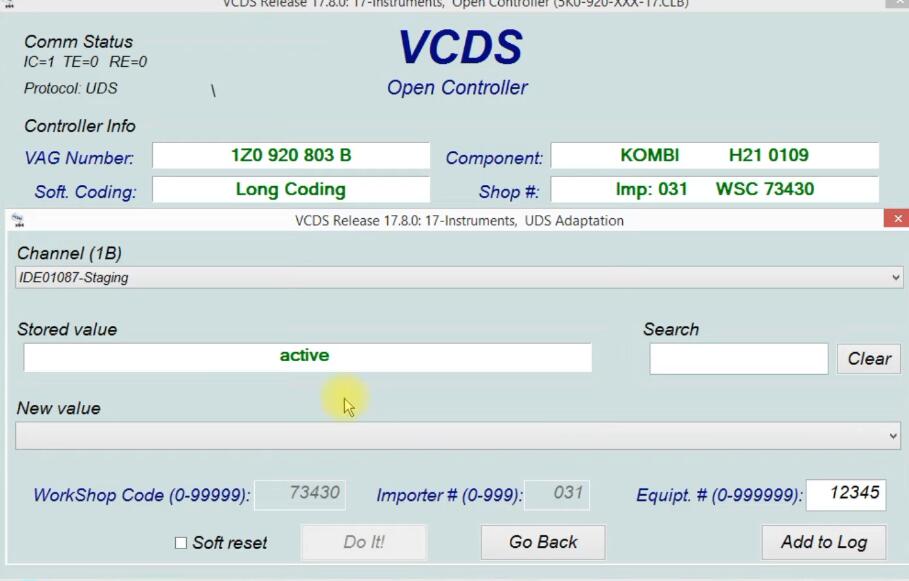
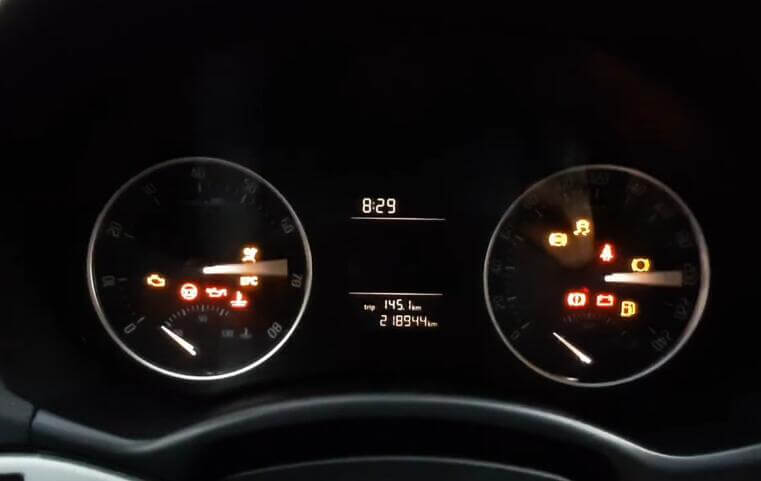
And then the dashboard needle can work correctly.
Visited 78 times, 1 visit(s) today