This instruction show you guide on how to use iProg Pro tool to do odometer correction for GAZ NEXT 2016 2018.
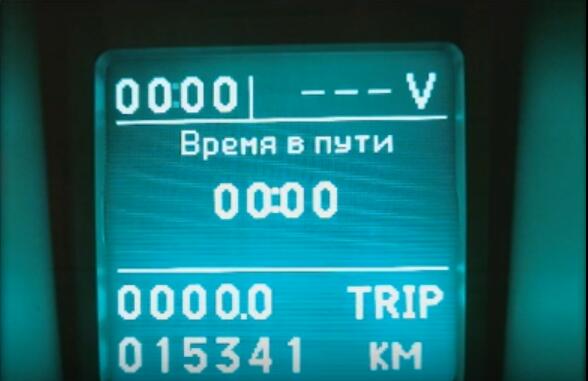
Preparations:
Newest iProg Pro Plus iProg+ v84 v82 Free Download
Procedures:
Open iProg Pro software,and select “GAZ NEXT” to follow the diagram connection to build wires connection.
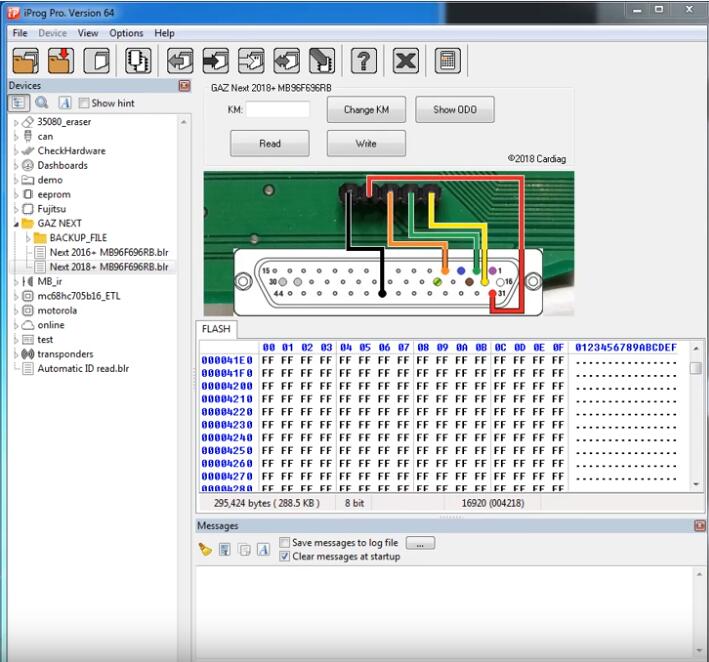
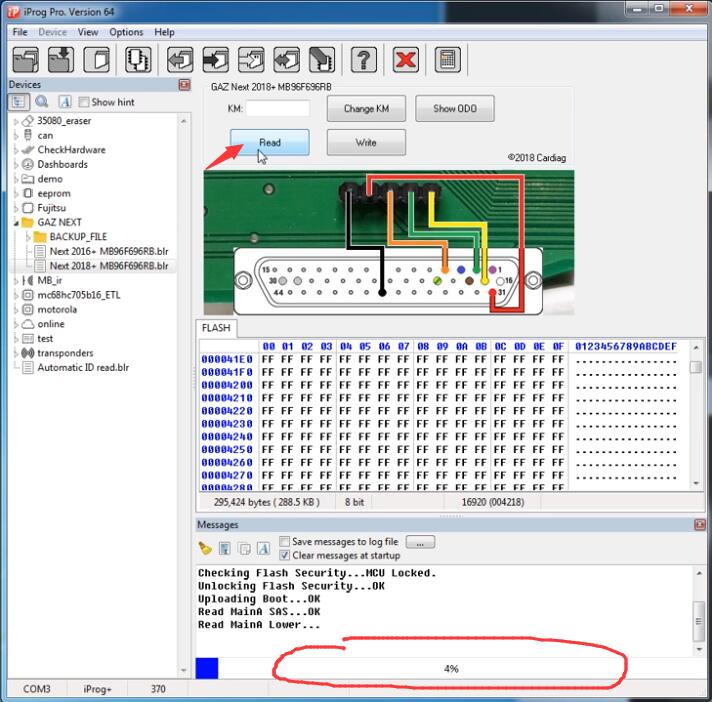
Click “Read” button,it will take you about 2 minutes to read the mileage information
Now when i finish,it show the value read from instrument cluster:15341 KM
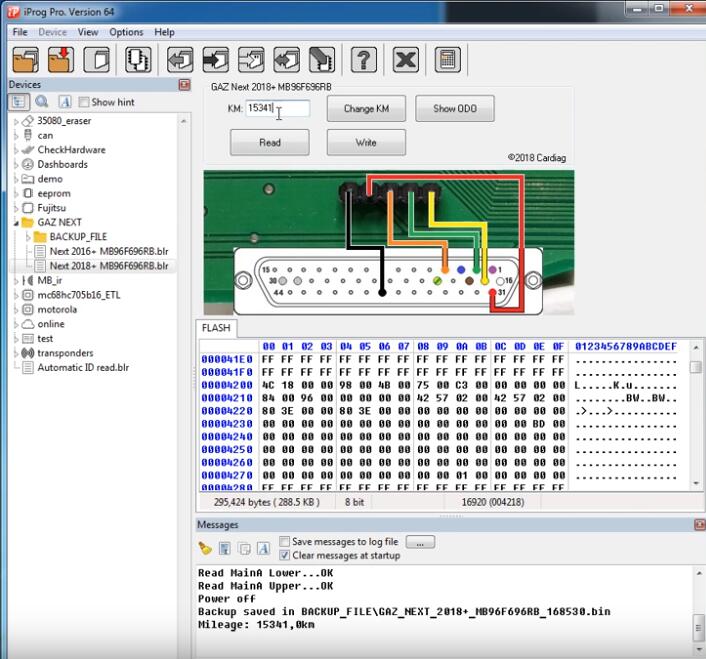
Input new value:1234km,and click “Change KM”
After then click “Write”
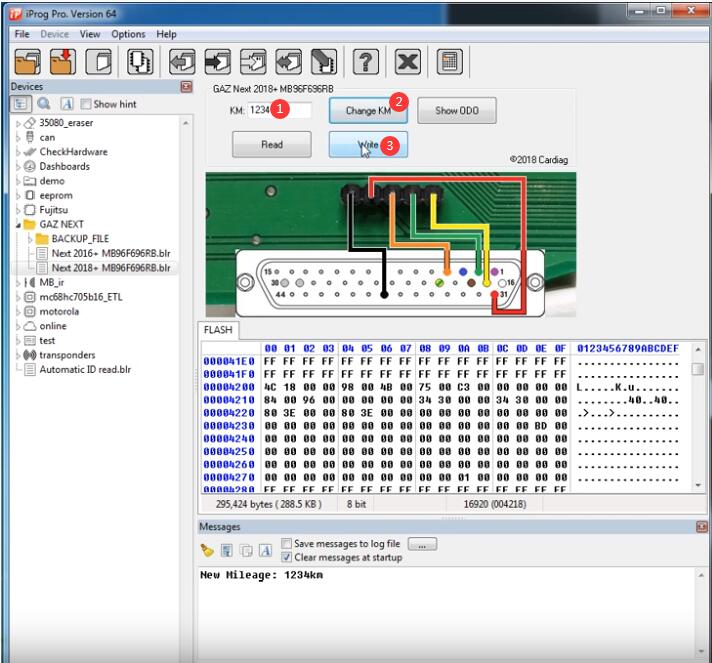
Wait for process…
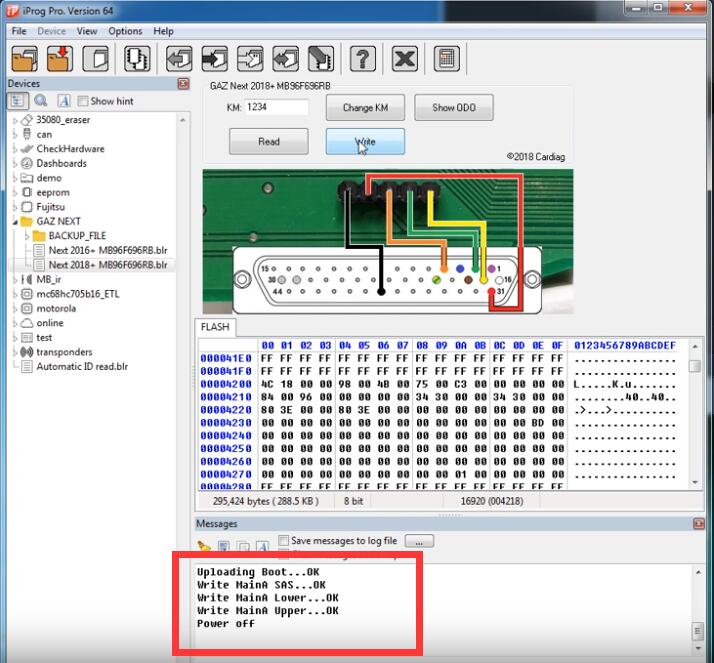
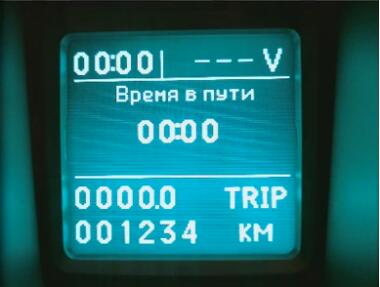
It show all done
Visited 113 times, 1 visit(s) today