This article show you guide on how to use Zed-Full to perform all key lost for Ford Focus 2015+ by OBD.

Procedures:
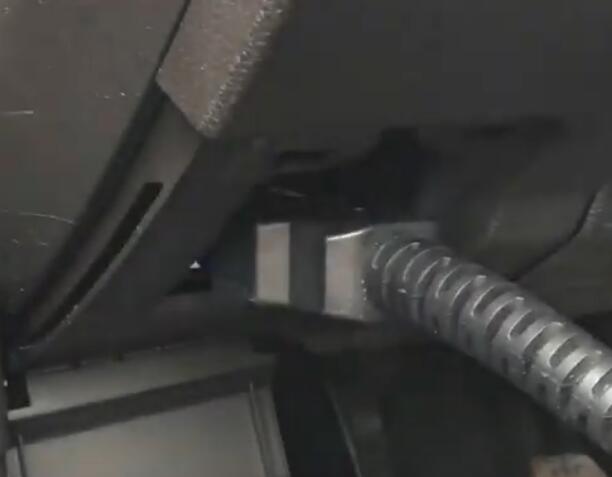
Connect Zed-Full immobilizer solution to Ford Focus OBD port
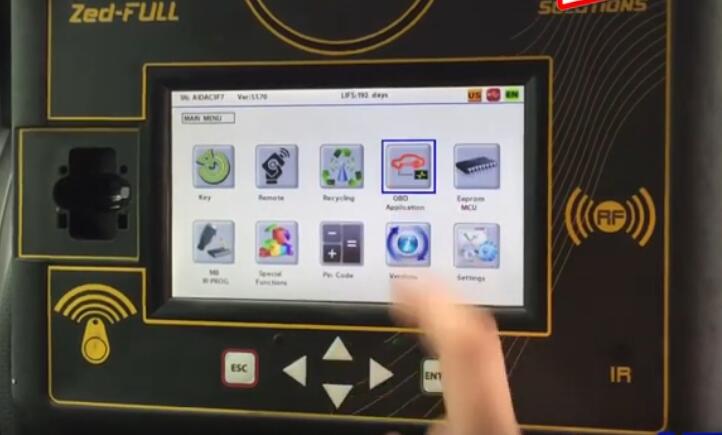
Then enter menu to select “OBD Application”
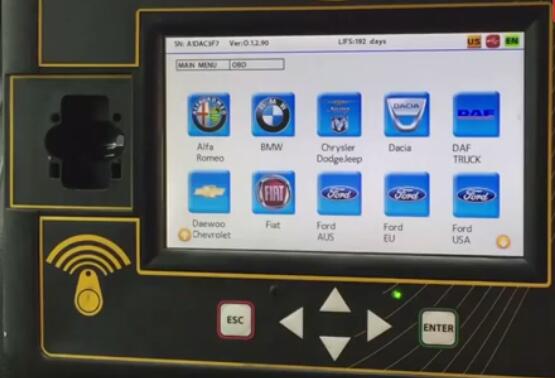
Select “Ford USA”,but also can be programmed under “Ford EU” menu
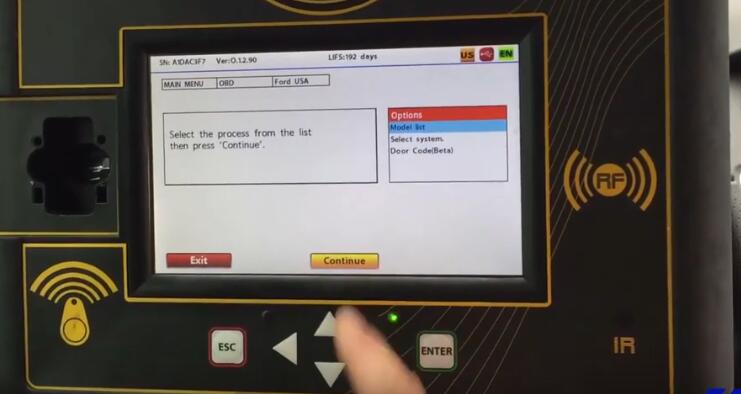
Select “Model list”–>”Focus”–>”Prox 15+ (Beta)”
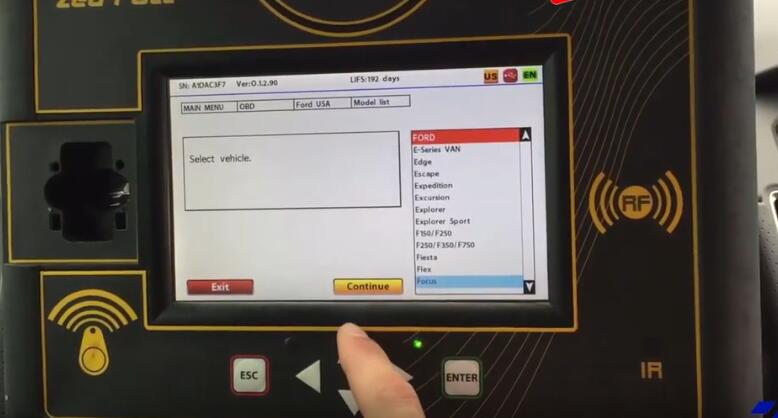
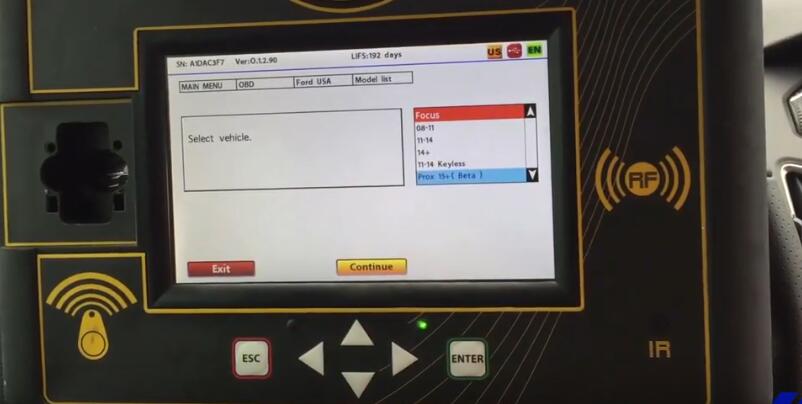
Here we perform all key lost programming,so we need to delete all keys
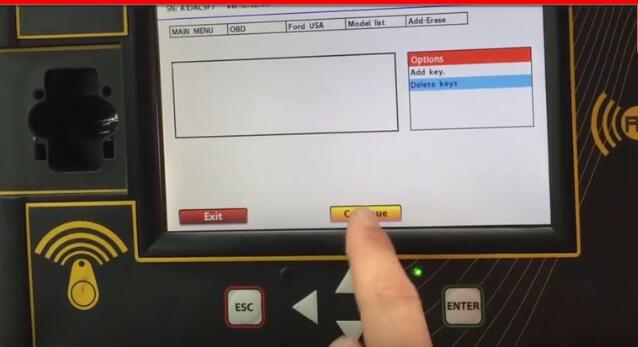
Press “Start-Stop” button on car and press “Continue” button on Zed-Full screen
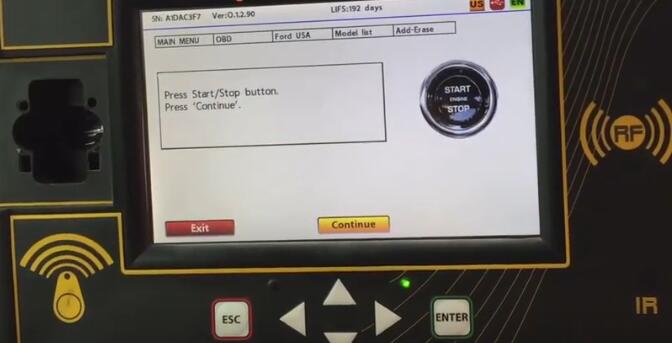
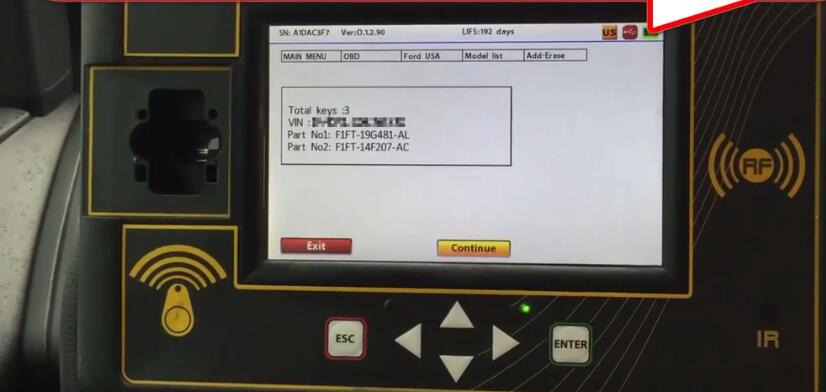
After connection build,it will show you vehicle immo information,include VIN,key number…
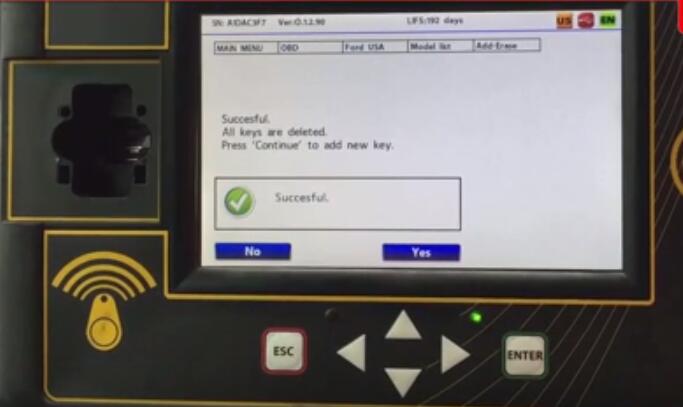
Now all keys are deleted
And now you must program at least 2 keys,press “Yes” to add new keys
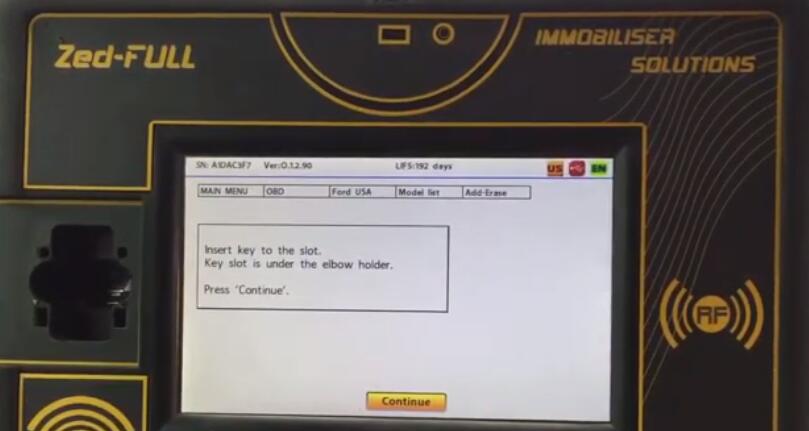
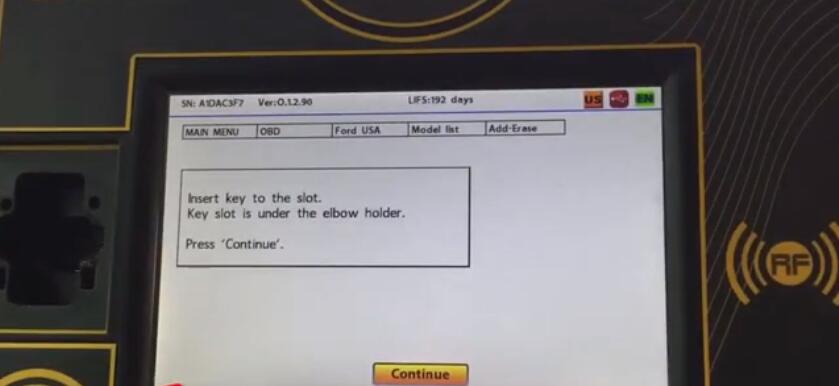
Insert the key to be programmed to the slot under armset and press “Continue” button
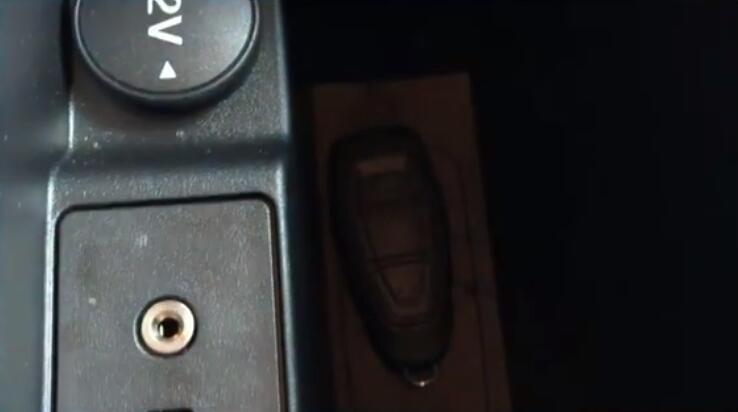
Then it will prompt you
Key is programmed,press the lock button of the remote.
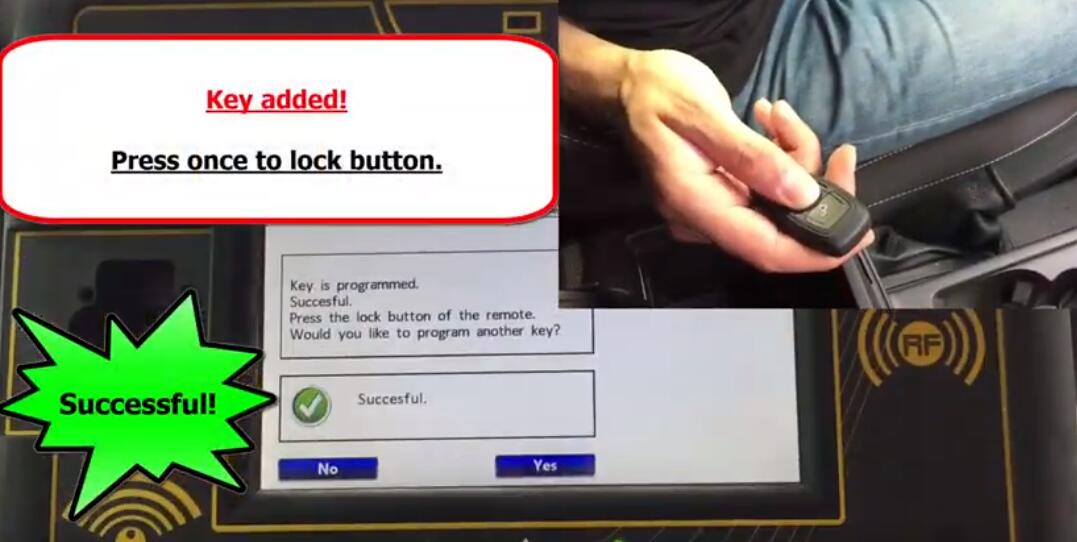
To program next key ,please press “Yes” button
And you need to insert the key to be programmed to the slot under armset and press “Continue”
Button
Just repeat above operation
After programming completing,please test both keys on Ford Focus.