This guide from Autel company to help you solve Autel IM608 application disappeared after update.
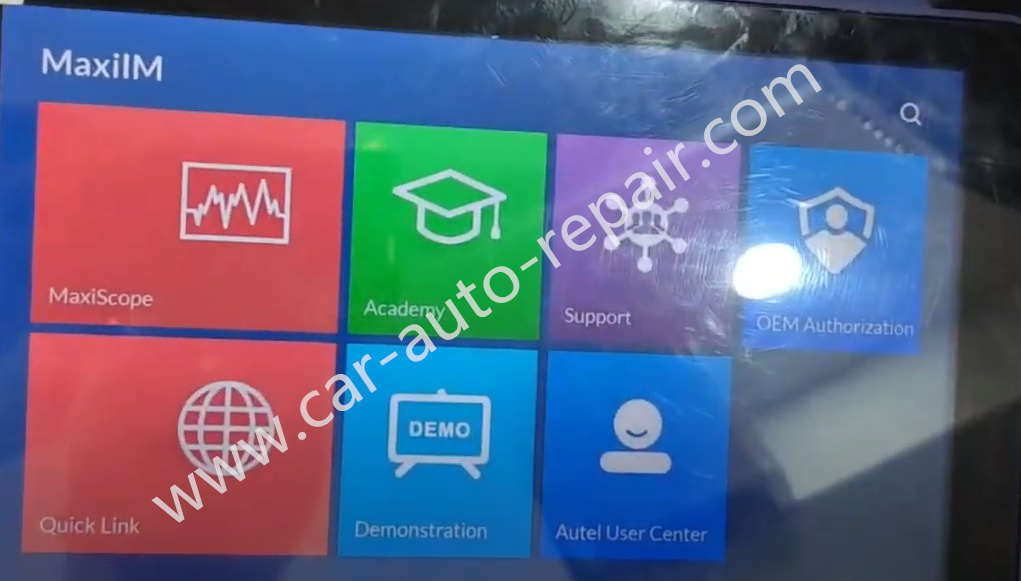
Device Requires:
Autel IM608 Pro Programmer (Official Amazon)
How to Solve Autel IM608 App Disappeared after Update?
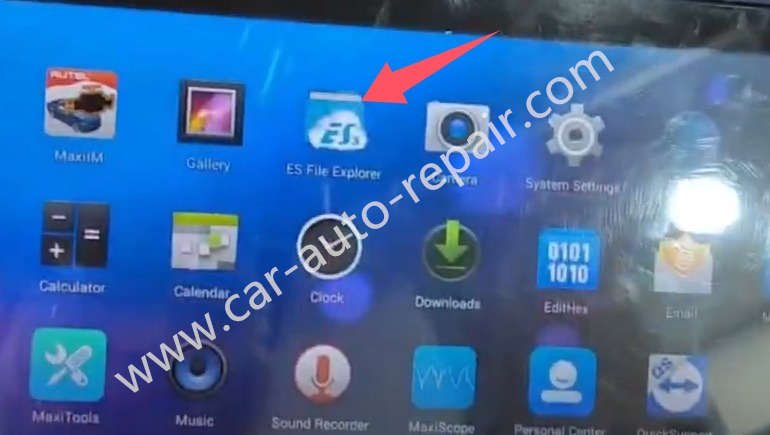
Open “ES File Explorer”
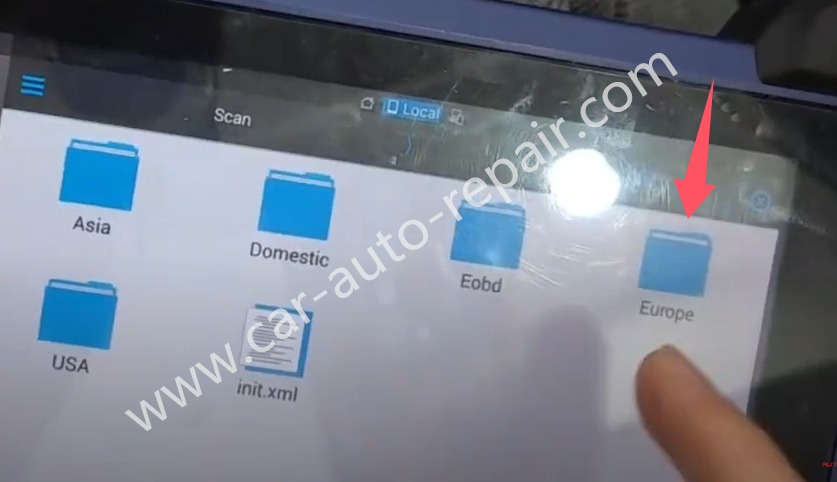
Open “Scan” folderà”Vehicle”à”Europe”à”BMW”
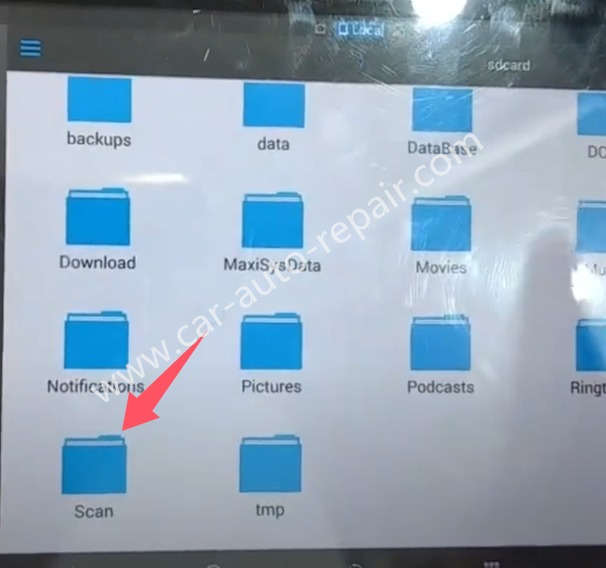
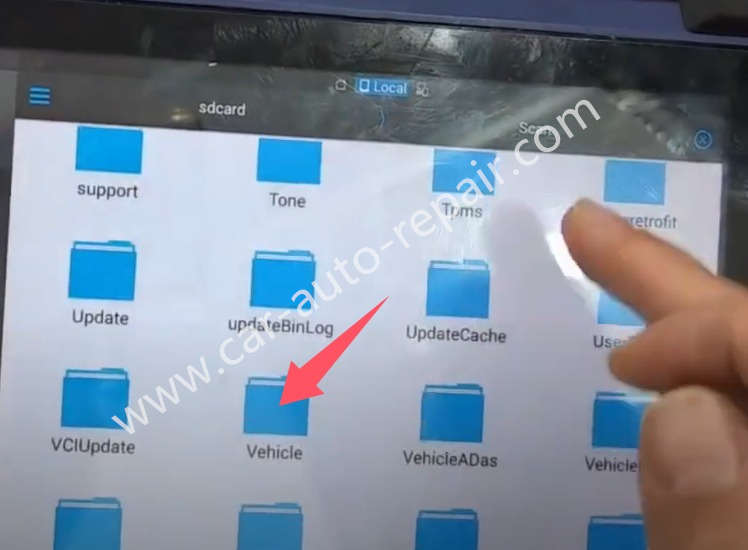
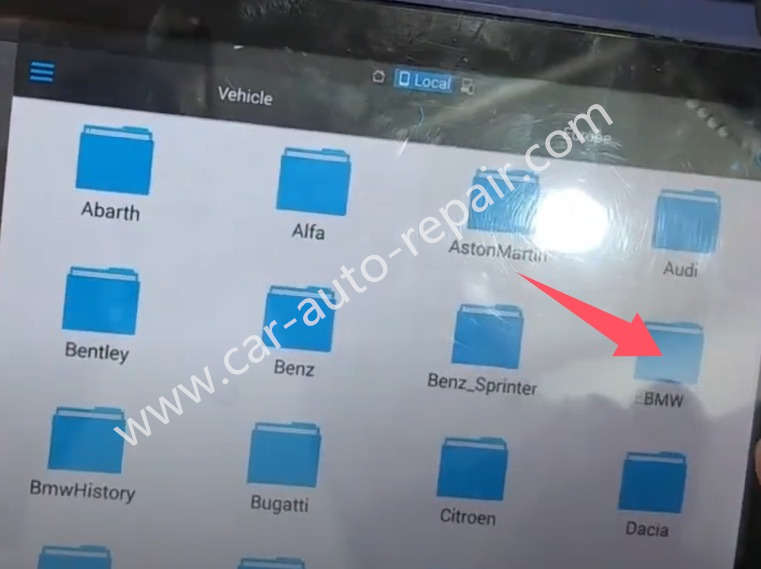
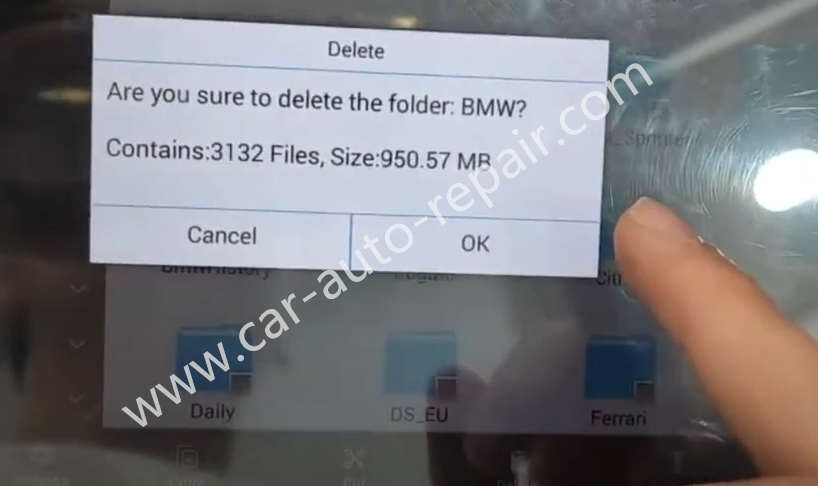
Then delete it
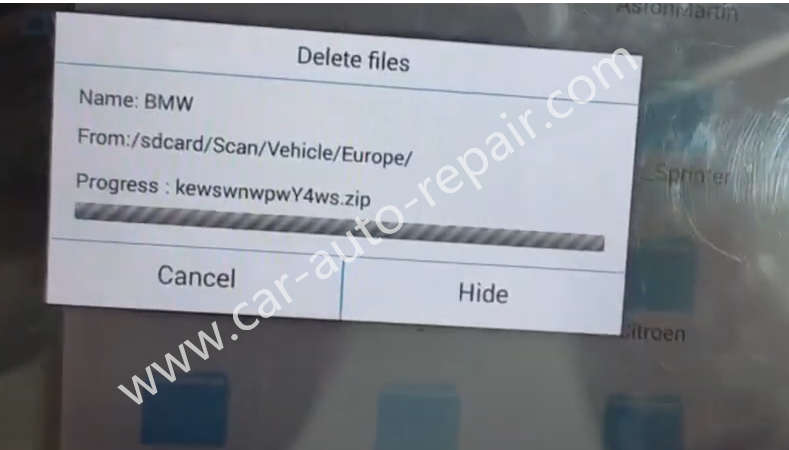
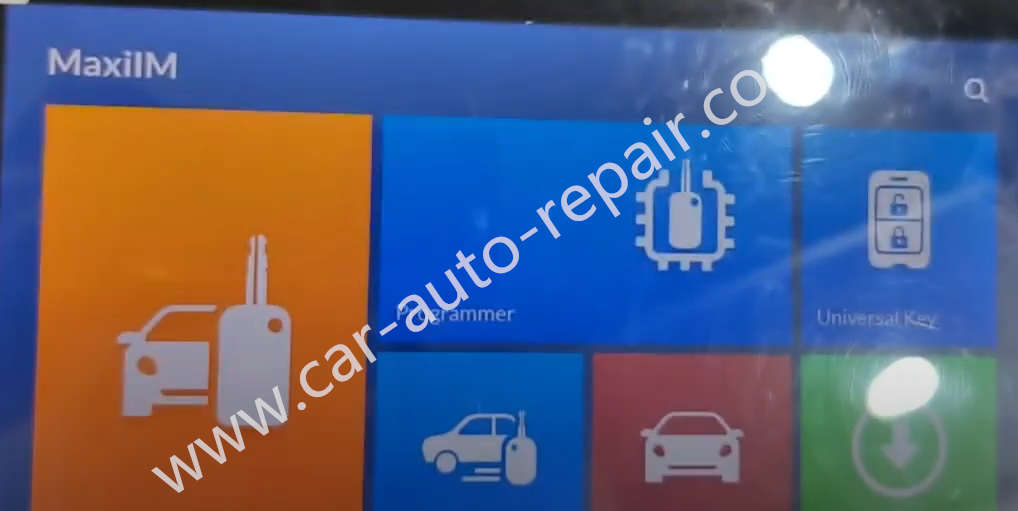
Then close all background programs running,then run MaxiIM on desktop
Then you will find it restored
Visited 80 times, 1 visit(s) today